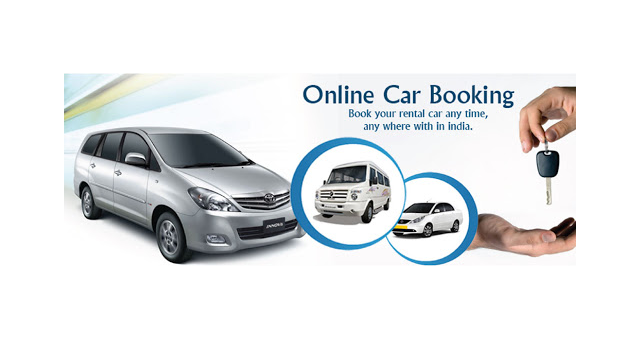
Buying a car is a big decision, but the good news is that the process has become much easier than before. Today, almost every car brand in India allows you to book a car online from the comfort of your home. You no longer need to visit multiple showrooms just to check prices or variants.
With online car booking, you can compare models, check features, choose colors, and even pay the booking amount using your mobile phone. Let’s understand the entire process step by step in a simple way.
⸻
Step 1: Visit the Official Website of the Car Brand
To begin with, always visit the official website of the car manufacturer. This is very important because booking through unofficial sites can lead to fraud or incorrect pricing.
Some popular car brands in India that offer online booking include:
• Maruti Suzuki
• Hyundai
• Tata Motors
• Honda
• Mahindra
• Toyota
• Kia
Using the official website ensures safe payment, correct information, and genuine dealership support.
⸻
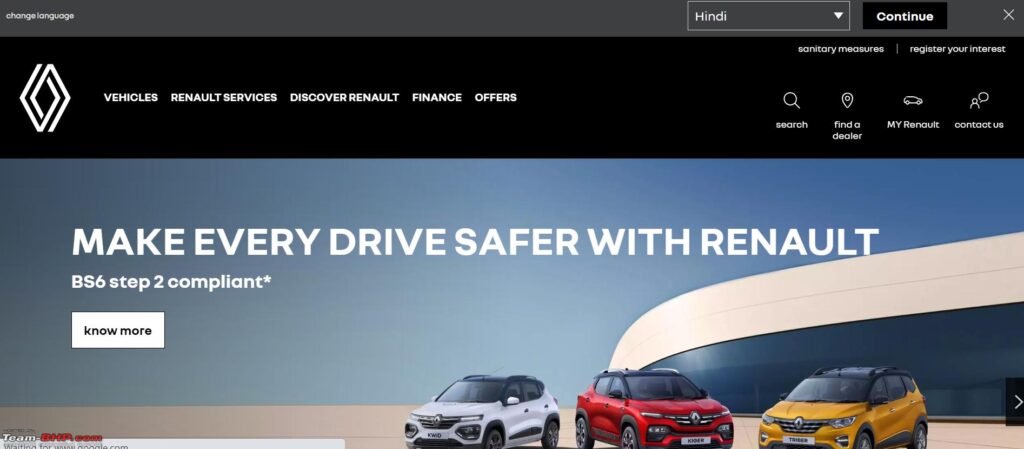
Step 2: Choose Your Car Model and Location
Once you are on the website, select the car model you are interested in. While choosing, take a few minutes to check details like:
• Price
• Mileage
• Engine type
• Safety features
• Interior and exterior features
• Available color options
After that, you will be asked to enter your city and pincode. This helps the website show the correct price and connect you with the nearest showroom.
⸻

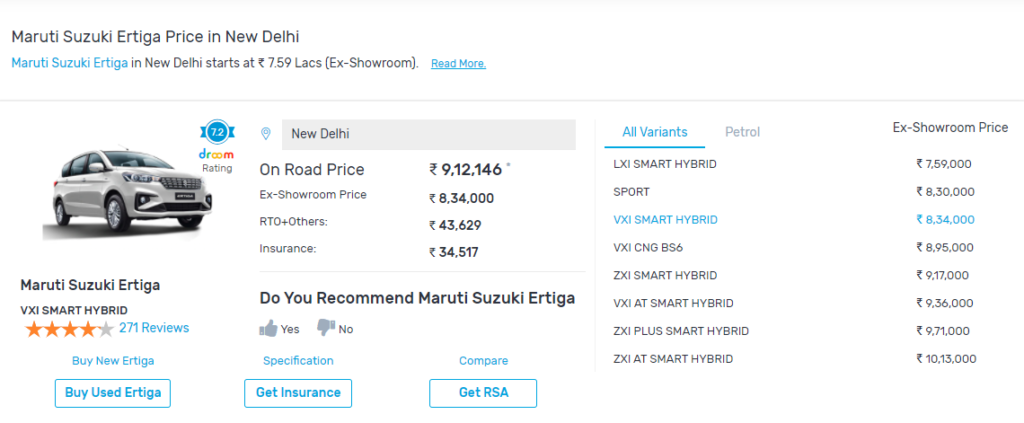
Step 3: Check the On-Road Price
Next, don’t forget to check the on-road price of the car. This is the final amount you actually pay. It usually includes:
• RTO charges
• Insurance
• Road tax
• Other government fees
Checking this in advance helps you plan your budget better and avoid surprises later.
⸻
Step 4: Enter Your Personal Details
Now, you need to fill in some basic details such as:
• Your name
• Mobile number
• Email address
• Residential address
These details are required so the dealer can contact you for booking confirmation, test drive, and delivery updates.
⸻
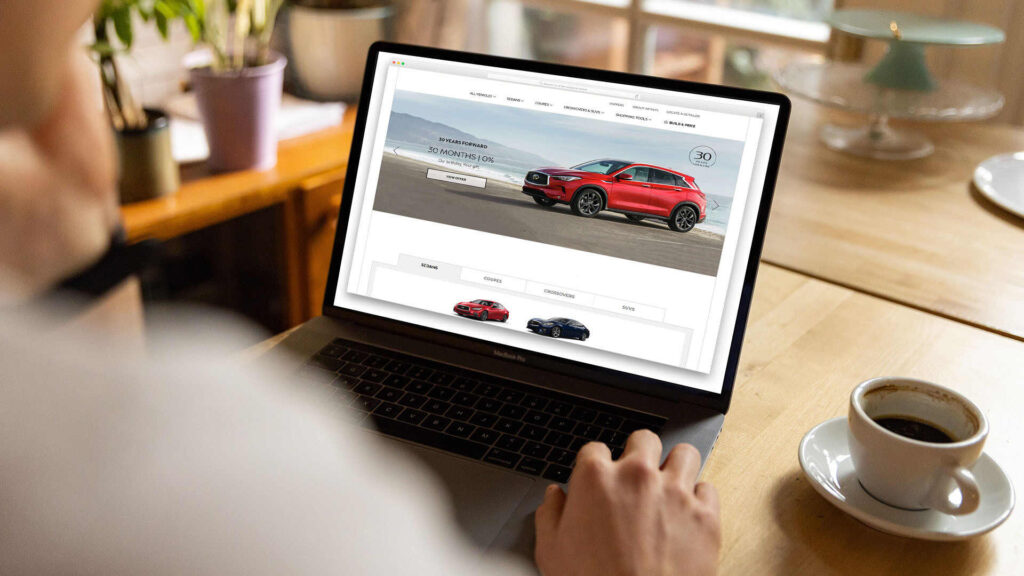
Step 5: Pay the Booking Amount
After completing the form, you will be asked to pay a booking amount. Usually, this amount ranges between ₹5,000 and ₹25,000, depending on the car brand and model.
This amount simply reserves the car for you.
⸻
Step 6: Make Payment Using Secure Options
Most websites offer multiple payment options like:
• UPI
• Debit card
• Credit card
• Net banking
The payment process is secure, and once done, you will receive a booking confirmation.
⸻
Step 7: Visit the Showroom and Confirm Delivery
Finally, the dealership will contact you. You may need to visit the showroom to:
• See the car in person
• Finalize accessories
• Complete paperwork
• Confirm the delivery date
Once everything is finalized, your car will be delivered as promised.
⸻

Final Thoughts…
Online car booking has made buying a car faster, easier, and more transparent. However, always remember to use the official website, check the on-road price carefully, and read all details before making the payment.
If done correctly, booking a car online can save both time and effort.

Online car booking has made buying a car faster, easier, and more transparent. However, always remember to use the official website, check the on-road price carefully, and read all details before making the payment.
If done correctly, booking a car online can save both time and effort.
Leave a Reply